AI review findings that stop vanishing
One click runs an AI review on a pending test case. The findings don't evaporate when you look away — they persist as a worklist with a real lifecycle, each one actionable, and they quietly feed everything downstream.
The problem with an AI review you can't keep
Most AI review of a test case is a fireworks display. You click a button, a paragraph of feedback appears, you read it, you navigate away — and it's gone. Re-open the case and you're staring at the Analyze button again, paying for a second model call to see what you already saw a minute ago.
That's not review. That's a slot machine. A review finding is only worth anything if it persists, carries a state you can act on, and connects to the work it implies. So that's what we built: AI review of a pending case becomes a worklist, not a flash of text.
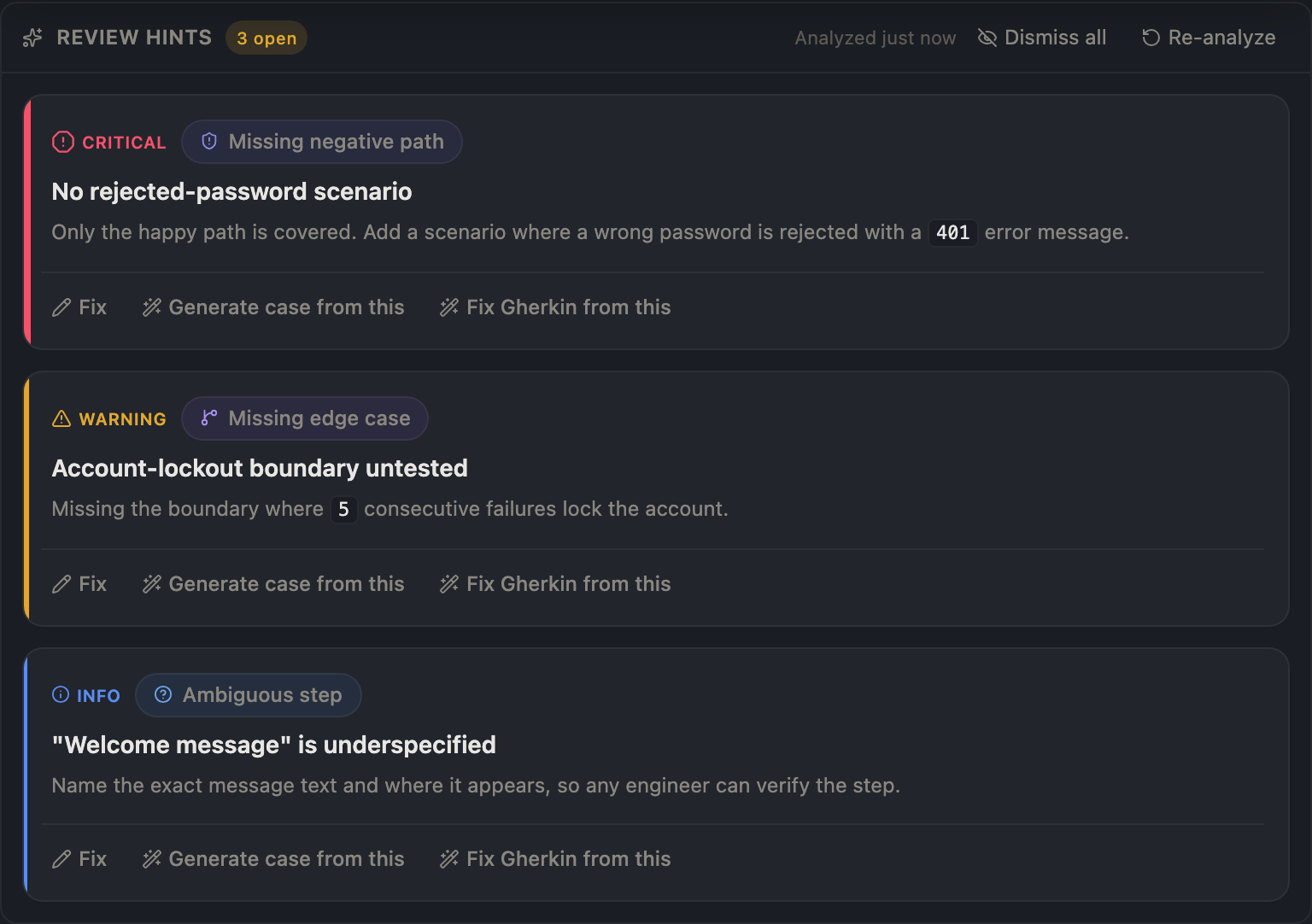
One click on a pending case produces categorized findings — each a card, each with a severity tier and an action.
Severity-tiered cards on a reviewed pending case. Critical sits apart from warning sits apart from info — by shape and label, not color alone.
Findings with a lifecycle, not a paragraph
Run the AI review and each finding lands as its own card with a category — missing_negative_path, untestable_assertion, vague_expected_result — and a severity of critical, warning, or info. A card is not static text. Each one has a state, and you drive it:
Resolve — you addressed it; it stamps who and when.
Dismiss — not a real problem here; it stops nagging you.
Reopen — you were too hasty; bring it back.
Re-analyze the case and the prior open findings are superseded, not duplicated — the resolved and dismissed ones you already judged are retained. The worklist never floods, and it never loses the verdicts you've already reached. An open critical finding even gates approval: you don't quietly approve a case the AI flagged as broken without acknowledging it first.
Every finding is a starting point, not a dead end
A finding that says "you're missing the negative path" is annoying if all it does is name the gap. So a finding is actionable at the point of complaint. From the card you can generate the case it's asking for — the AI writes a new pending test case that addresses that specific gap, inheriting the parent's requirement link so traceability survives the jump. The finding stops being a note-to-self and becomes a one-click fix.
And the findings don't stay trapped in the review pane. When you generate automation code from a case, its open findings ride along into the prompt. An untestable_assertion becomes a // TODO in the generated code — annotated, never silently faked into a fabricated pass condition. The review you did upstream shapes the code you get downstream. That's the loop: review feeds generation, generation respects review.
Run it, walk away, come back to the answer
The defining property of an AI assist is latency you don't control — the model takes as long as it takes. A review you have to babysit isn't an assist; it's a leash. So the analysis runs as a real background job. Kick it off, switch to another case, open a different tab, close the detail entirely — the work keeps running on the server.
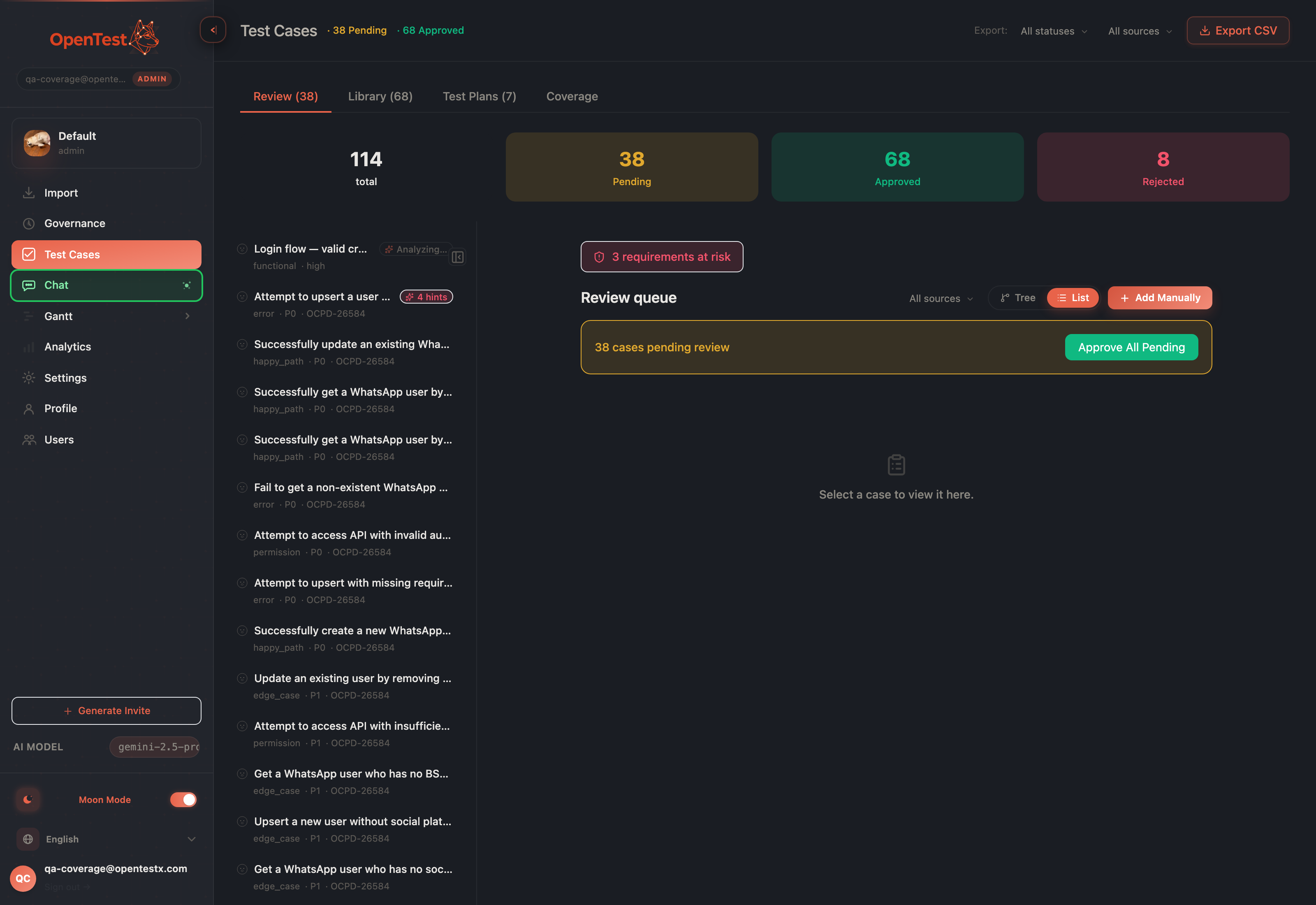
While a review runs, the list shows a quiet analyzing pill — progress you can see without sitting and watching it.
The analyzing pill: progress on a running review, visible in the list without opening the case.
Come back to a case mid-analysis and the panel re-attaches to the in-flight job. No idle button taunting you, no re-run, no second model call — it resumes polling the job already running and shows you the spinner where you left it. Open case A, kick off its review, jump to case B and review that too, return to A: each case re-attaches to its own job. They never cross-talk.
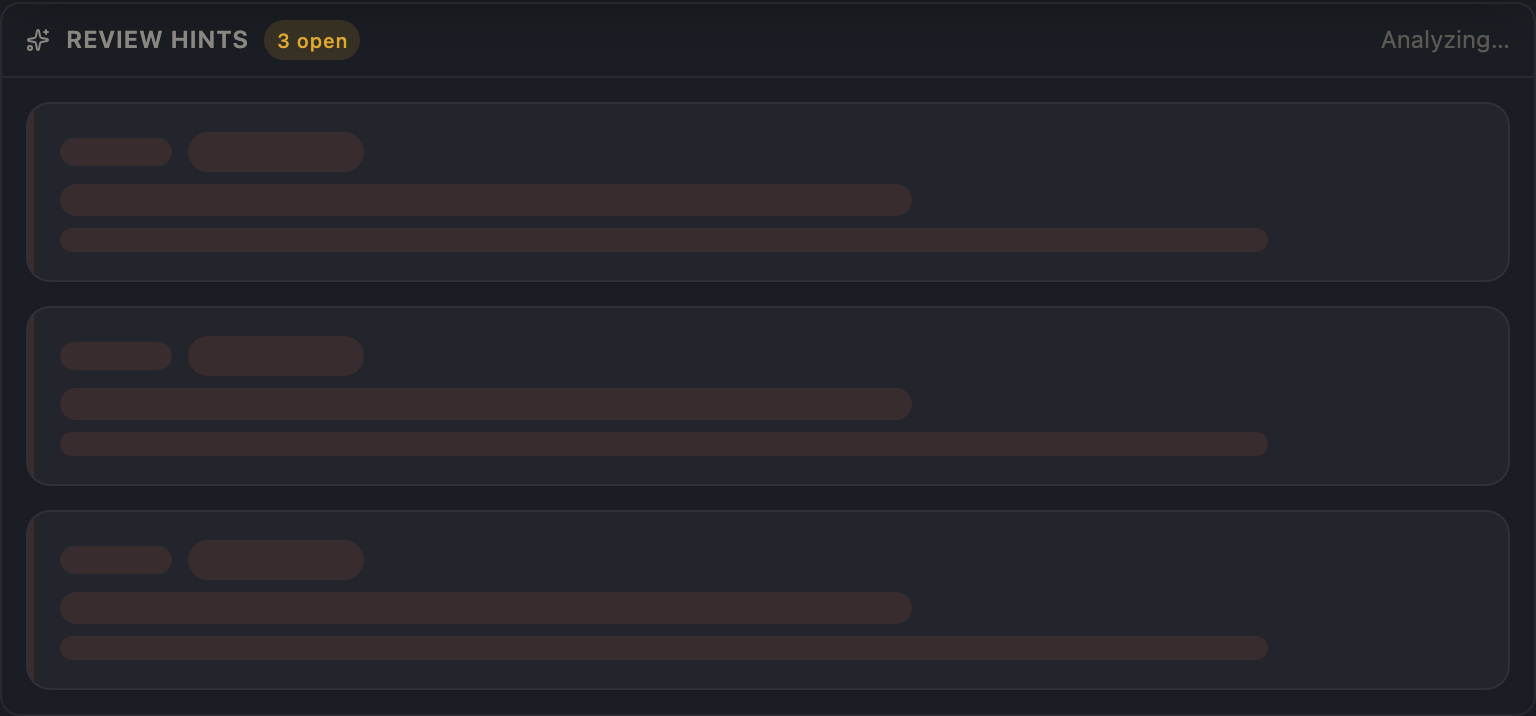
Return to a case while its review is still running and the panel resumes the live job — not a fresh Analyze button.
Re-attach in action: the panel resumes the running job on re-open, not a cold start.
There's one durability edge we handled honestly: if the server restarts while a review is in flight, the in-process job that owned it is gone. On boot we sweep those orphaned jobs and retire them, and a read-time age guard caps any live spinner — so re-opening a case can never trap you watching a job that died. You'll see the last known state and re-run if you want to.
What this is, and what it isn't
In the spirit of telling you the truth: findings persist until you re-analyze. Editing the case does not auto-refresh them — a finding describes the scenario as it was last reviewed, and re-running the analysis is the deliberate act that brings the worklist current. The background run is single-node and best-effort: a deploy cancels an in-flight job, and you simply run it again.
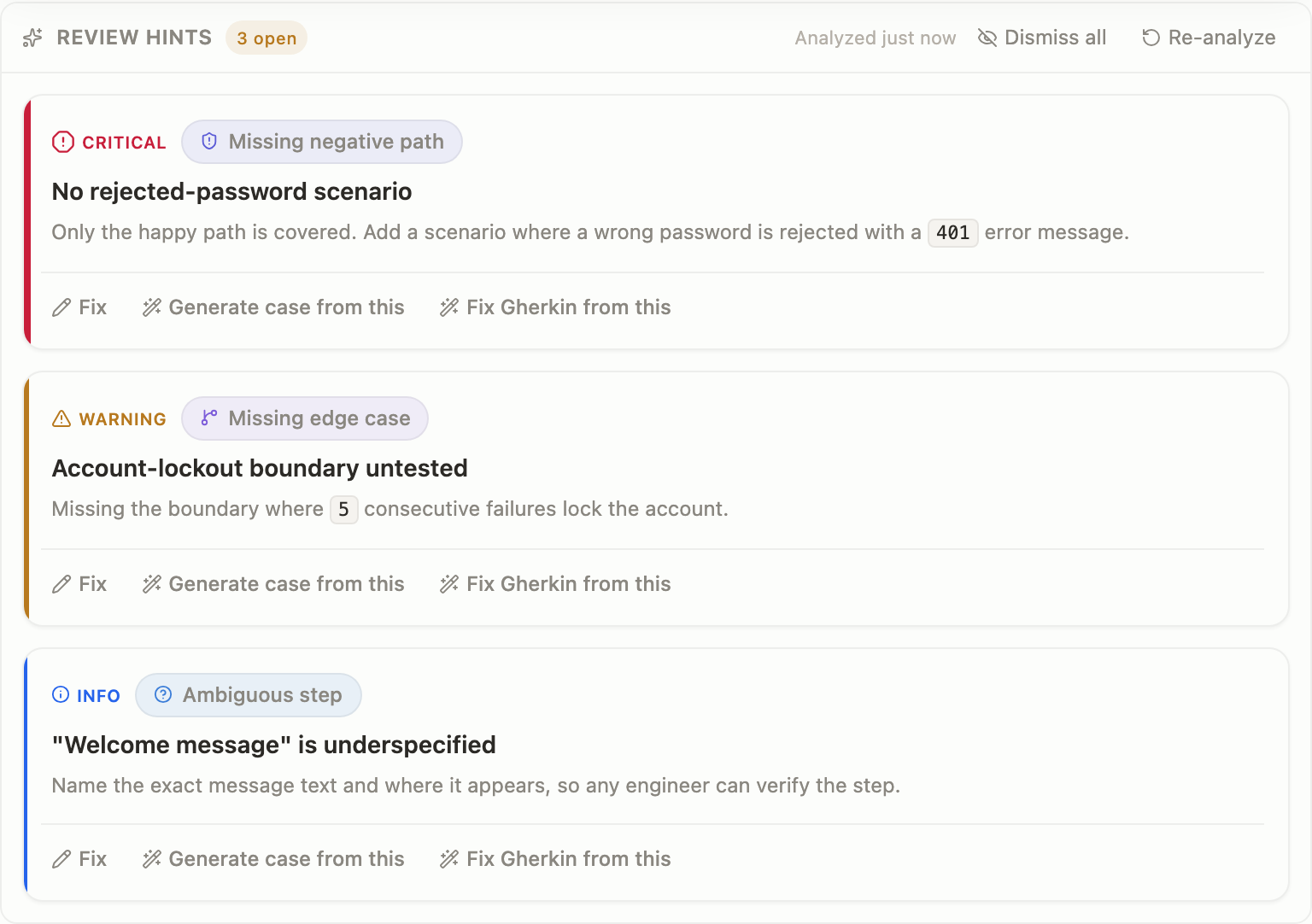
The same worklist in light mode — severity stays legible across themes.
Light mode: the severity tiers hold up without leaning on color alone.
None of this is a new verb bolted onto the side of the product. It's the review stage of the import-to-code spine finally keeping its promise: the AI looks at a case, tells you what's wrong, and the answer stays put — long enough to act on, durable enough to trust, and wired into the work it implies.
Curious how this looks inside your team?
Book a short consult and we will walk through how OpenTestX maps to your current QA system.
Book a consultation →Related posts
How we kept a red-team feature from being security theater
The hardest part of shipping a red-team feature isn't writing attacks — it's not faking them. Our merge gate: every attack bank must make a vulnerable agent go red and a hardened agent go green, or it fails the build. A probe that can't tell a broken agent from a fixed one is theater. This is the gate, and the three real bugs it caught by going red first.
Red-teaming an agent, without writing a single attack: a walkthrough
We added promptfoo's red-team thinking to Eval Studio by fusing it into the eval spine instead of bolting it on — our leak-veto was already an attack grade. This post is the concrete walkthrough: pick attack plugins from a library, run them against your agent, and read a matrix that says 'held against this probe' — never 'safe'. Built and merged, not yet deployed.
An access-control eval that actually arrives as the user
An access-control test is worthless unless the request arrives as the role being tested. So in Eval Studio each role carries a real credential — a pasted revocable token, or one minted against your own endpoint — and a cross-role leak-veto runs as an engine default, not an opt-in. This post walks through setting one up. Built and merged, not yet deployed.