The And-step you write becomes a runnable automation step
A single-line Given/When/Then can't carry a real multi-step scenario. We added a verbatim Gherkin field and made every write path — import, chat, manual, CSV round-trip — preserve your newlines byte-for-byte, so the steps you author become the steps your code runs.
A test case used to be three lines: one Given, one When, one Then. That is fine for a toy. It falls apart the moment a real scenario needs two preconditions and three assertions — the kind of flow a tester actually walks. So we added a real Gherkin surface, and the interesting part wasn't the feature. It was making the newlines survive.
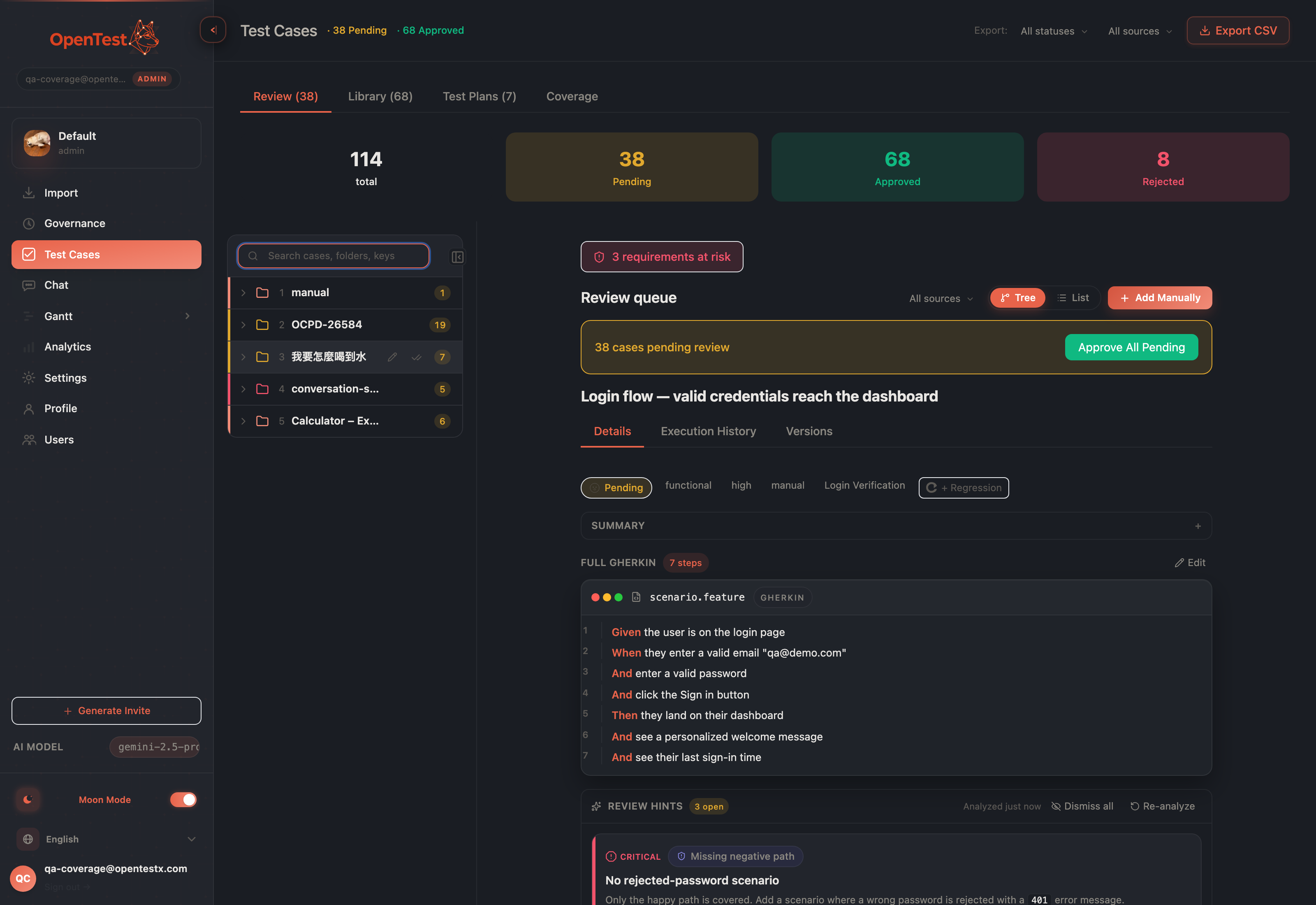
The numbered editor: each step on its own line, brand-keyword highlighting, multi-step And/But all the way down.
The new gherkin field stores your scenario verbatim — no parser sits between what you type and what we save. You write it in a numbered, syntax-highlighted editor where every step gets its own line and the keywords (Given, When, Then, And) are colored in the openTestX palette. What you see is what gets stored, and what gets stored is what generates code.
The newline war
Here is the thing nobody puts on a slide: a multi-step scenario is only as good as the weakest write path that touches it. A Gherkin field is just text — and text with newlines is fragile. We had four ways a case enters the system (import, chat, manual entry, CSV reimport), and each one had its own quiet opinion about whitespace. One trimmed. One wrote verbatim. One collapsed every newline into a space. That last one is the killer: it flattens your four-step scenario into one line, and the result looks green and correct until code generation emits one action where there should have been four.
A flattened multi-step scenario is byte-identical to a legacy single-line case. There is no error, no red, no obvious tell — just silent corruption that surfaces three steps downstream as missing automation. So we treated newline fidelity as the actual feature.
One normalizer, every path
We routed every write path through a single normalizeSteps() contract: trim each line, drop empties, join with newlines — and never collapse. Import, chat-save, manual POST and PUT, the AI parser — all of them now agree on exactly one whitespace rule. The freeze rule ("every write path calls the same helper") had been false; we made it true.
The CSV round-trip, as a blocking test
Export was preserving newlines correctly inside each CSV cell. The bug was on reimport: every cell ran through an HTML-stripper that flattened \n back into spaces. So a case you exported and reimported came back subtly wrong. We fixed the stripper and then locked it down with a golden-fixture round-trip test: author a multi-step scenario, export to CSV, reimport, and assert the Gherkin comes back byte-for-byte identical. That assertion is not optional — it is a blocking gate, because this exact corruption is invisible to a human reviewer.
Generation that emits real steps
On the AI side, generation no longer emits a single squished string. The model returns the scenario as an array of step-line strings, and the server joins them with newlines. Each case is parsed in isolation — one malformed case is skipped, not the whole batch — so a single odd line never poisons a generation of fifty good cases. The shape the model produces is the shape the editor shows is the shape the database stores.
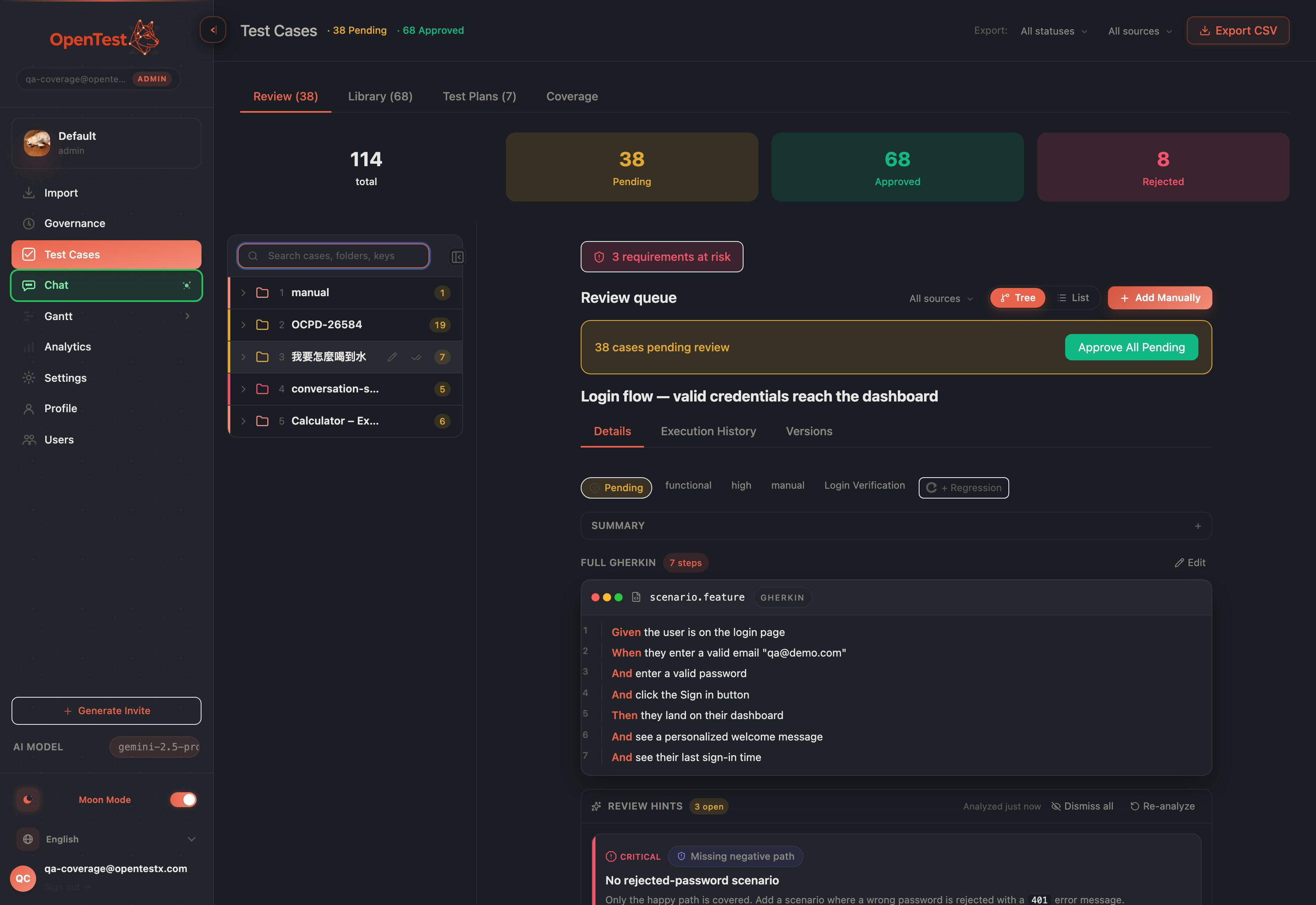
The Gherkin scenario lives in the same three-zone workspace where you review — author, read, and approve in one place.
Why this is the loop, not just a viewer
The payoff is the last hop: code generation consumes the full scenario. Every And you wrote becomes an action in the generated automation — not a comment, not a dropped line, an actual step the runner executes. That is the difference between a tool that displays Gherkin and a tool where the And-step you author becomes a runnable step. The scenario is authoritative end to end: editor, storage, and code-gen all read the same verbatim text.
Honest scope
Two boundaries, said plainly. Legacy three-field cases (the old Given/When/Then trio) still render through a fallback — we did no backfill, so existing cases keep working and new cases get the full scenario. And we do not support Scenario Outline (the table-driven, parameterized form) yet; the verbatim field stores it as text but nothing expands the examples table into runs. The loop we shipped is the single multi-step scenario, end to end — and that is the one we tested to byte-for-byte.
Curious how this looks inside your team?
Book a short consult and we will walk through how OpenTestX maps to your current QA system.
Book a consultation →Related posts
How we kept a red-team feature from being security theater
The hardest part of shipping a red-team feature isn't writing attacks — it's not faking them. Our merge gate: every attack bank must make a vulnerable agent go red and a hardened agent go green, or it fails the build. A probe that can't tell a broken agent from a fixed one is theater. This is the gate, and the three real bugs it caught by going red first.
Red-teaming an agent, without writing a single attack: a walkthrough
We added promptfoo's red-team thinking to Eval Studio by fusing it into the eval spine instead of bolting it on — our leak-veto was already an attack grade. This post is the concrete walkthrough: pick attack plugins from a library, run them against your agent, and read a matrix that says 'held against this probe' — never 'safe'. Built and merged, not yet deployed.
An access-control eval that actually arrives as the user
An access-control test is worthless unless the request arrives as the role being tested. So in Eval Studio each role carries a real credential — a pasted revocable token, or one minted against your own endpoint — and a cross-role leak-veto runs as an engine default, not an opt-in. This post walks through setting one up. Built and merged, not yet deployed.